
Turing Smart Display
I installed a 5-inch Turing Smart Screen inside my PC case to display real-time system information such as temperatures, CPU/GPU usage, and network activity.
The display runs alongside my Linux system and provides a small hardware dashboard for monitoring system performance without needing on-screen software overlays.
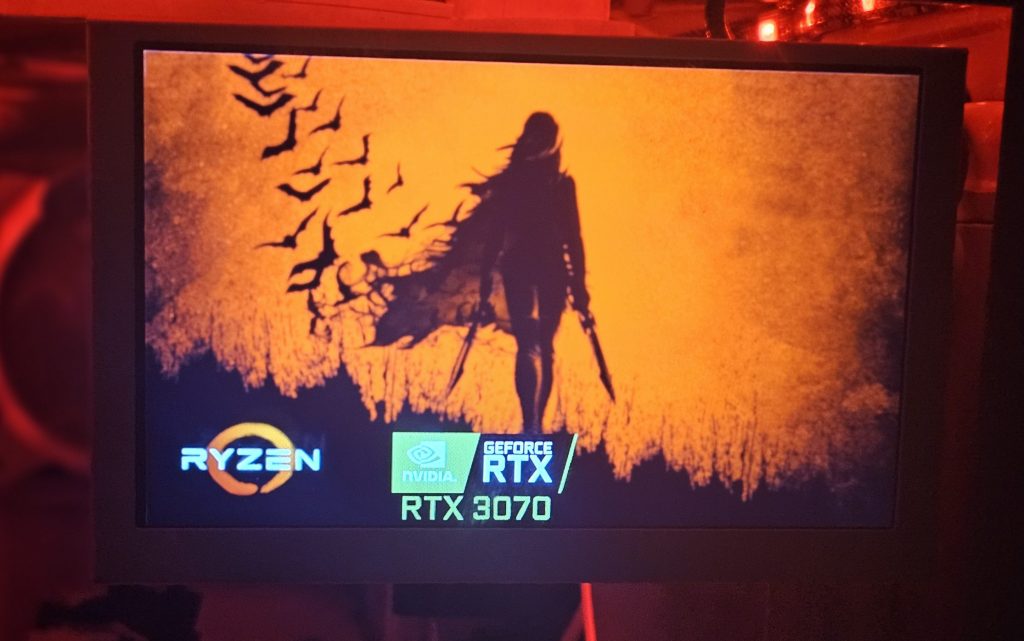
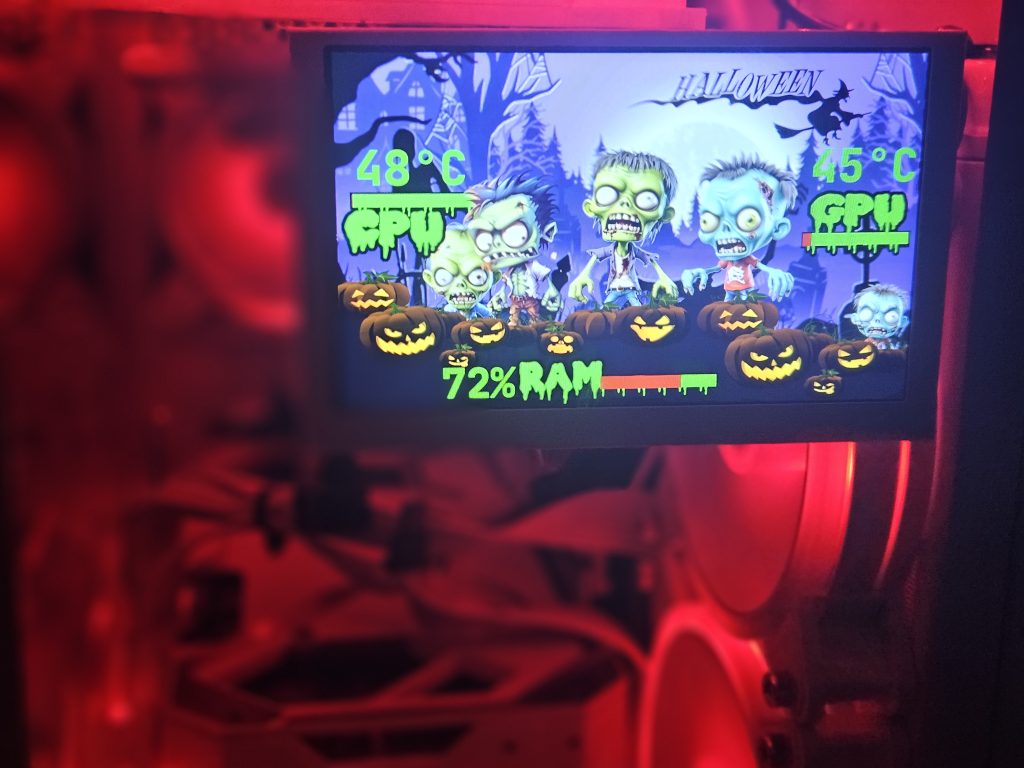
(A couple of the themes I have created)
Linux Compatibility
Used a community project from GitHub to run the Turing Smart Screen on Linux instead of the default Windows software.
While setting it up I learned how the display exposes itself as a USB device accessible through the Linux TTY interface, allowing the software to communicate directly with the screen from the console.
Dependencies & Setup
Installed the required Python dependencies and libraries used by the display software.
Edited portions of the Python code to add my device’s USB ID, allowing the software to properly detect and communicate with the screen.
Created a systemd service so the display software starts automatically when the system boots.
Custom Themes
Created custom background artwork and static interface elements in GIMP to match the theme of my PC build.
YAML for Live Data
Modified the display’s YAML configuration files to pull live system data including CPU and GPU temperatures, fan speeds, memory usage, and network activity.
This project involved integrating third-party hardware with Linux, troubleshooting dependencies and customizing how system metrics are displayed on the screen.